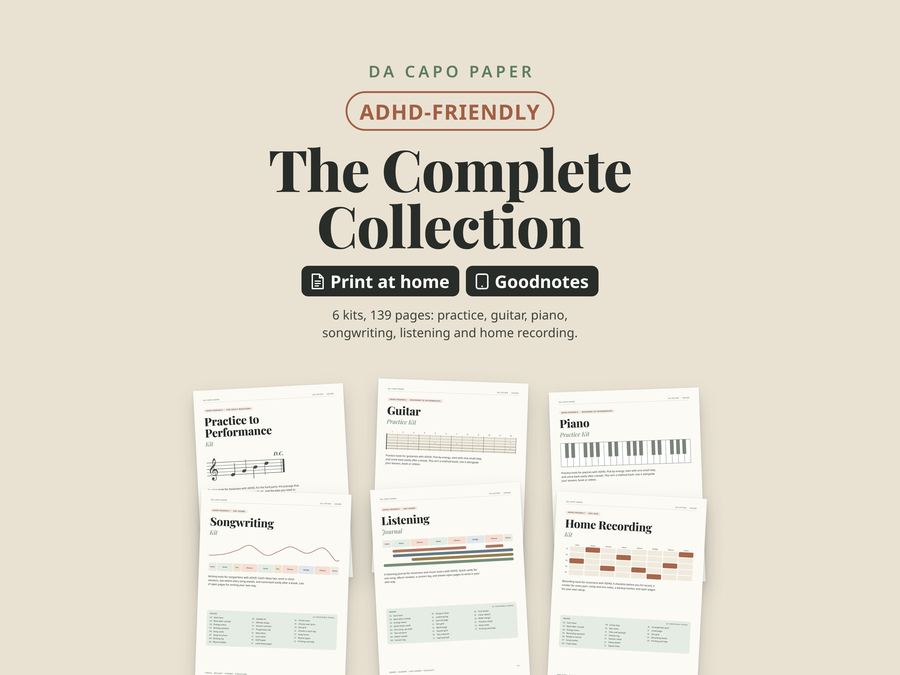
Da Capo Paper
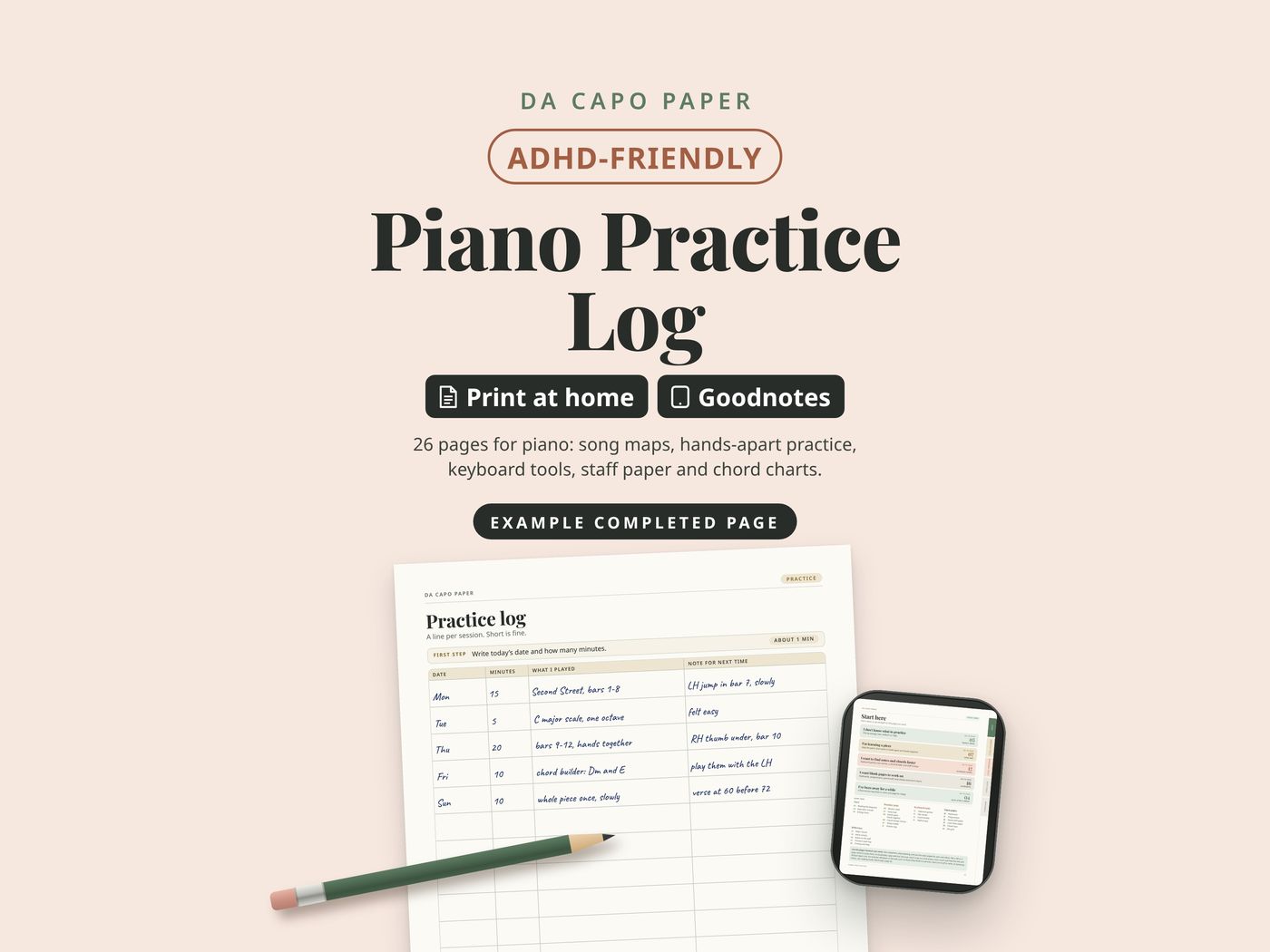
Piano Practice Log
26 pages for piano: song maps, hands-apart practice, keyboard tools, staff paper and chord charts.
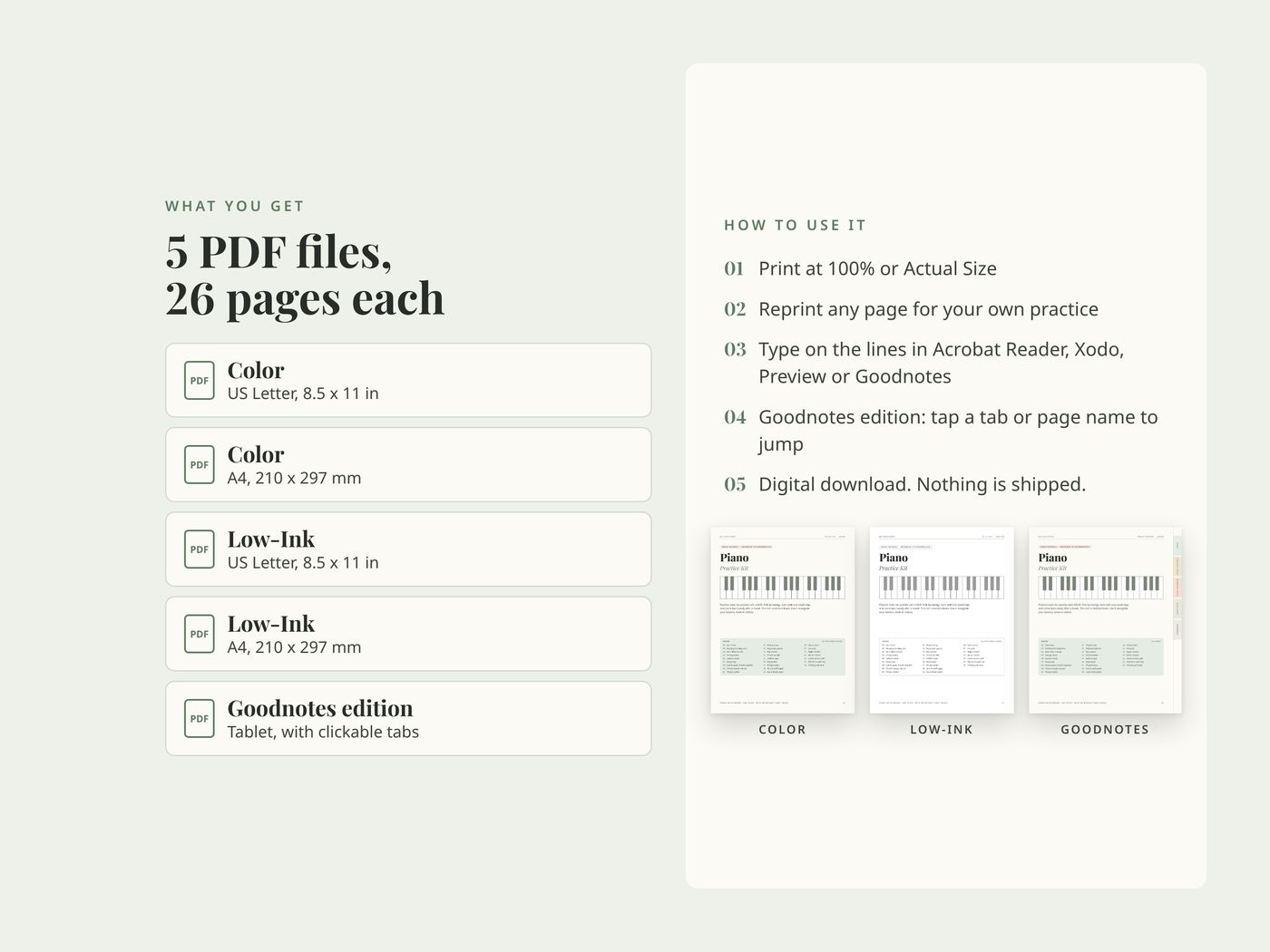
- 26 pages, instant download on Etsy
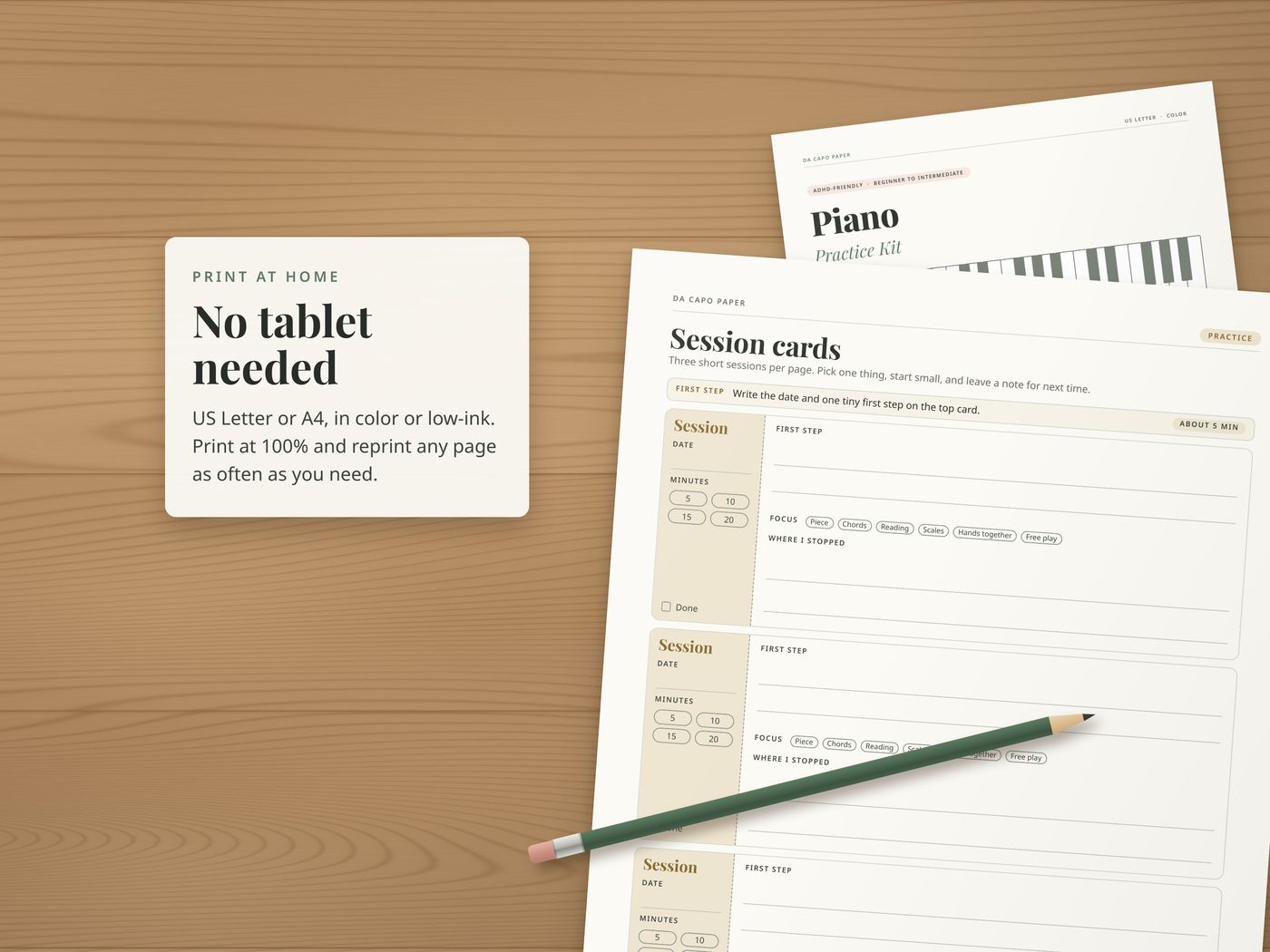
- Print on US Letter or A4, in color or low-ink
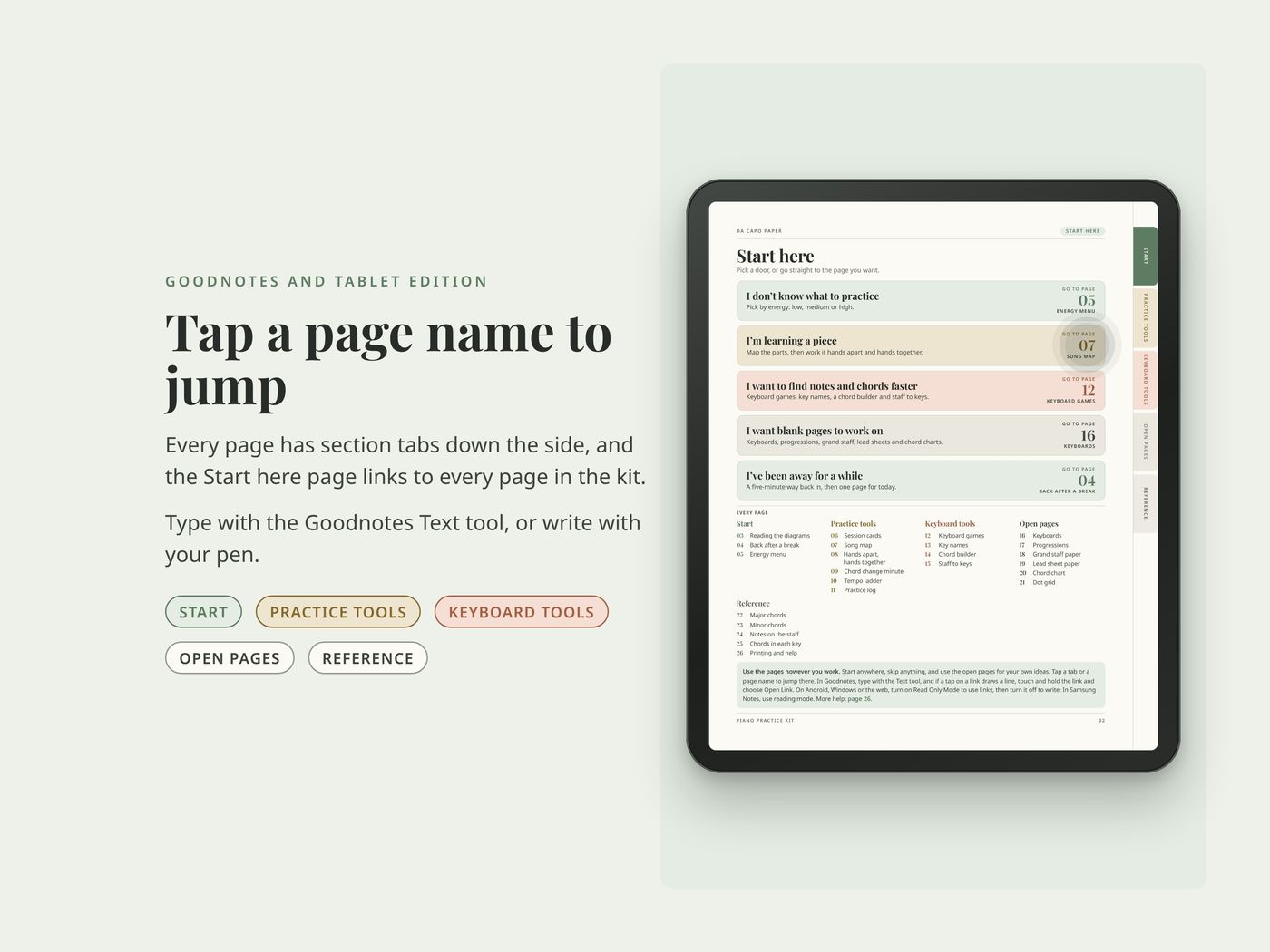
- A Goodnotes edition with clickable tabs
- Five PDF files, nothing ships
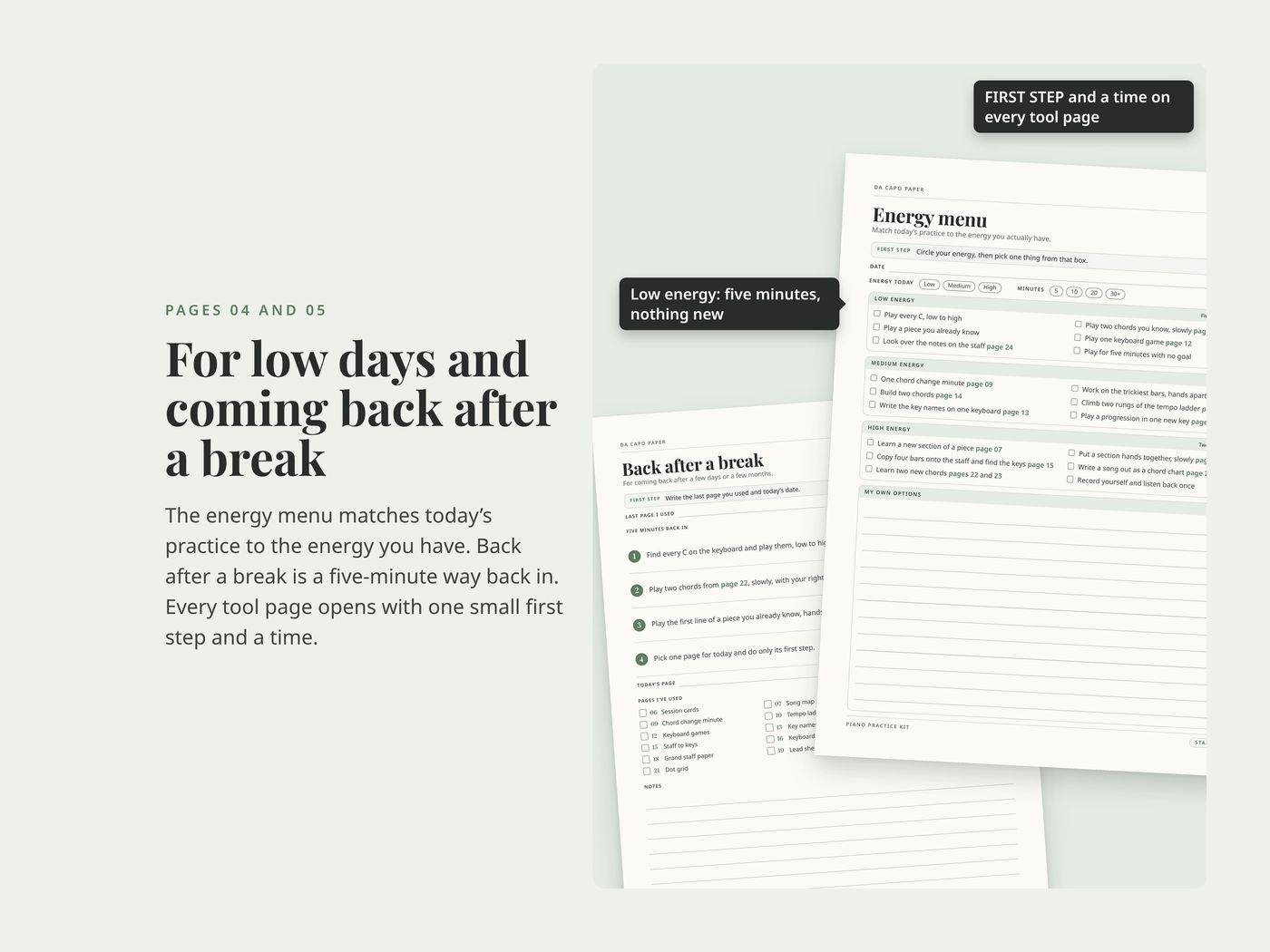
It's made for the parts of practice that stall. Maybe it's a piece you keep meaning to learn or a chord you work out again every time. Maybe you still count up from middle C to find a note. Every tool page starts with one small first step and a time estimate. There's a page for getting back in after a break. An energy menu helps you pick what to do on a low day.
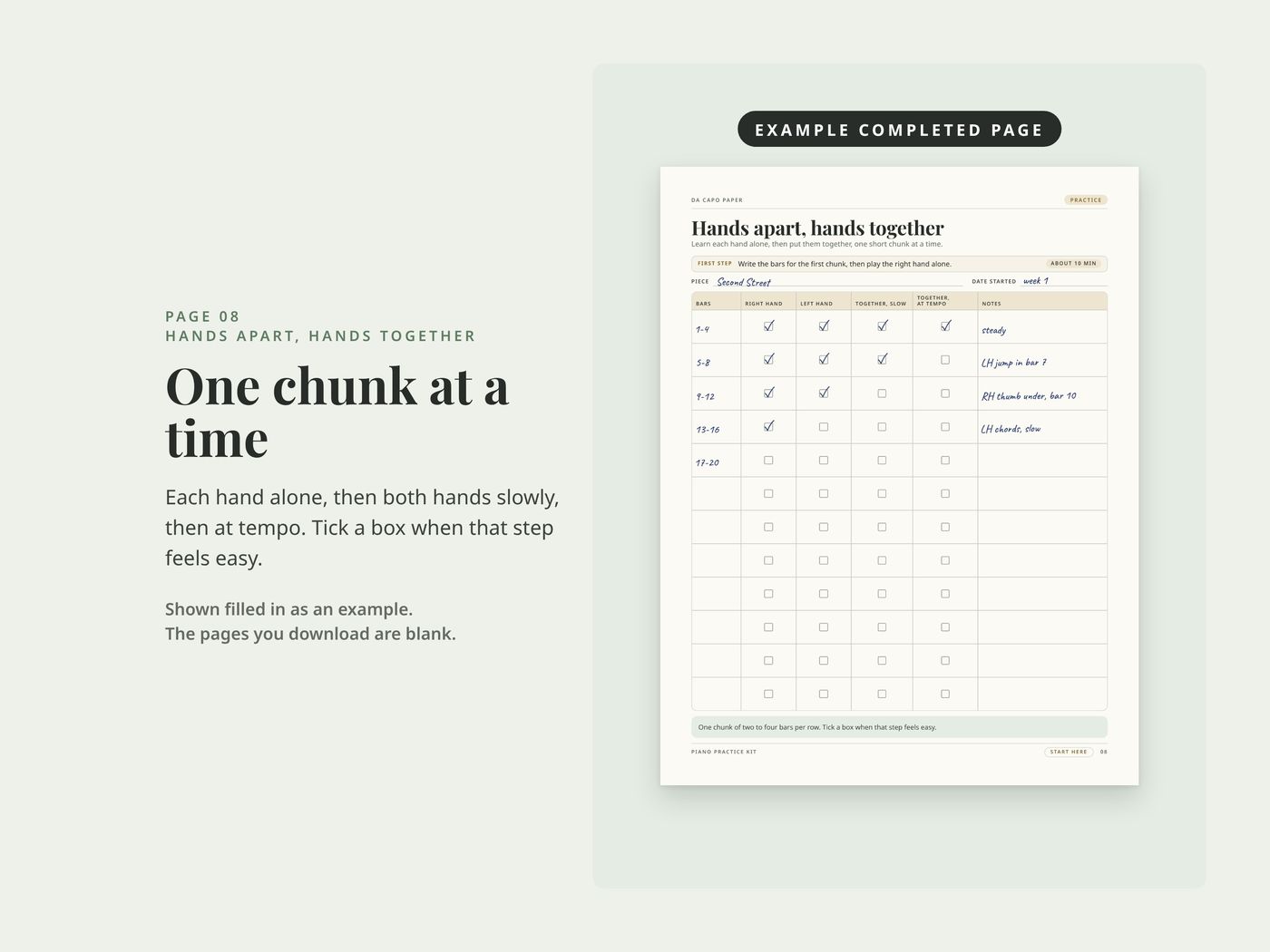
This isn't a method book. Use it alongside your lessons, book or videos. Use the pages however you work: start anywhere and skip anything.
What's inside
- 1Cover
- 2Start here five ways in, plus an index
Start
- 3Reading the diagrams how the keyboards and staves on these pages work
- 4Back after a break a five-minute way back in after time away
- 5Energy menu pick what to do by how much energy you have
Practice tools
- 6Session cards three short sessions per page
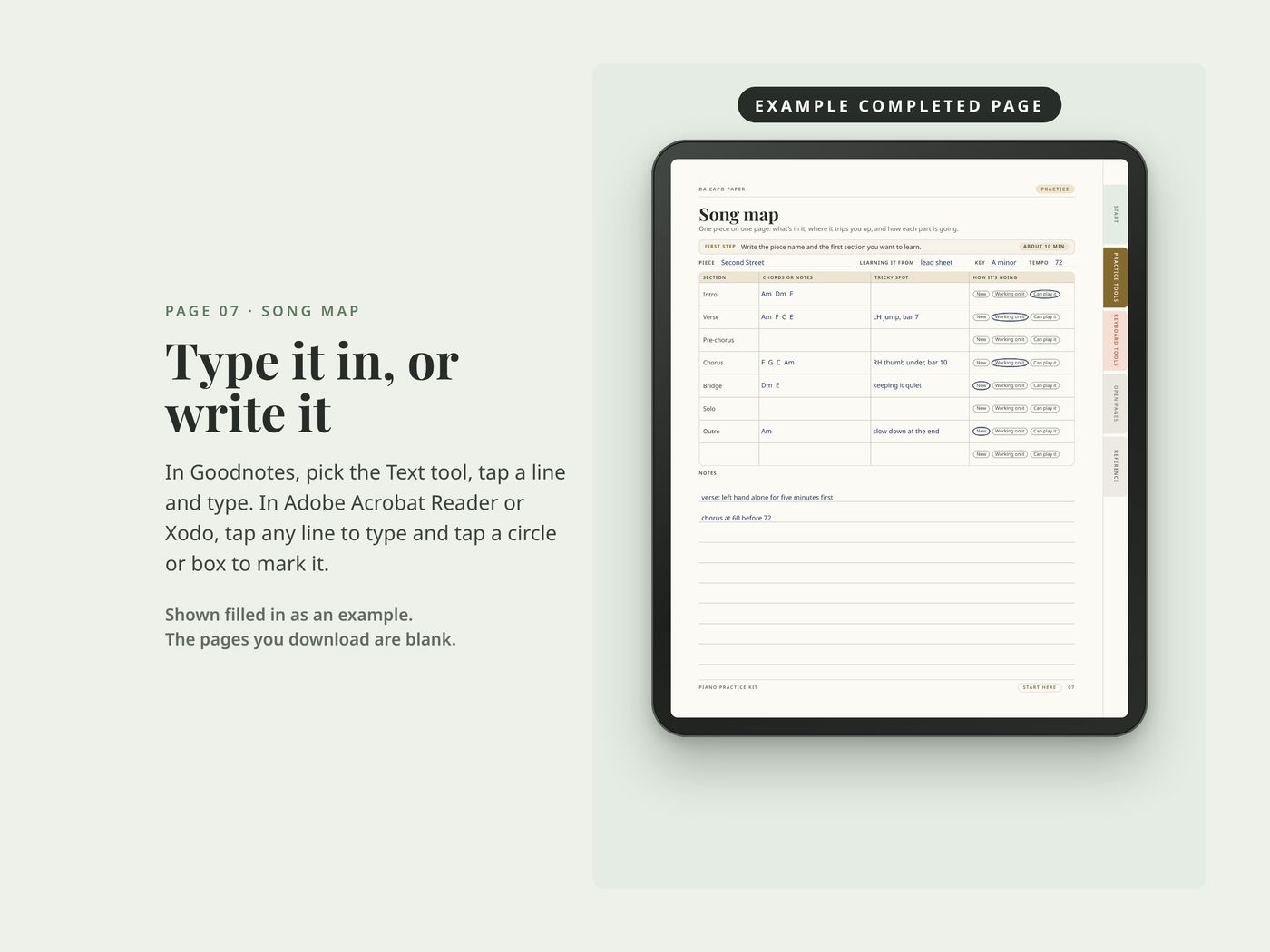
- 7Song map one piece on one page, with its tricky spots
- 8Hands apart, hands together one chunk at a time, each hand alone, then both
- 9Chord change minute one minute, two chords, count the clean changes
- 10Tempo ladder climb from a tempo you can play cleanly up to your goal
- 11Practice log a line per session
Keyboard tools
- 12Keyboard games short games for finding keys
- 13Key names two blank keyboards to write the key names on
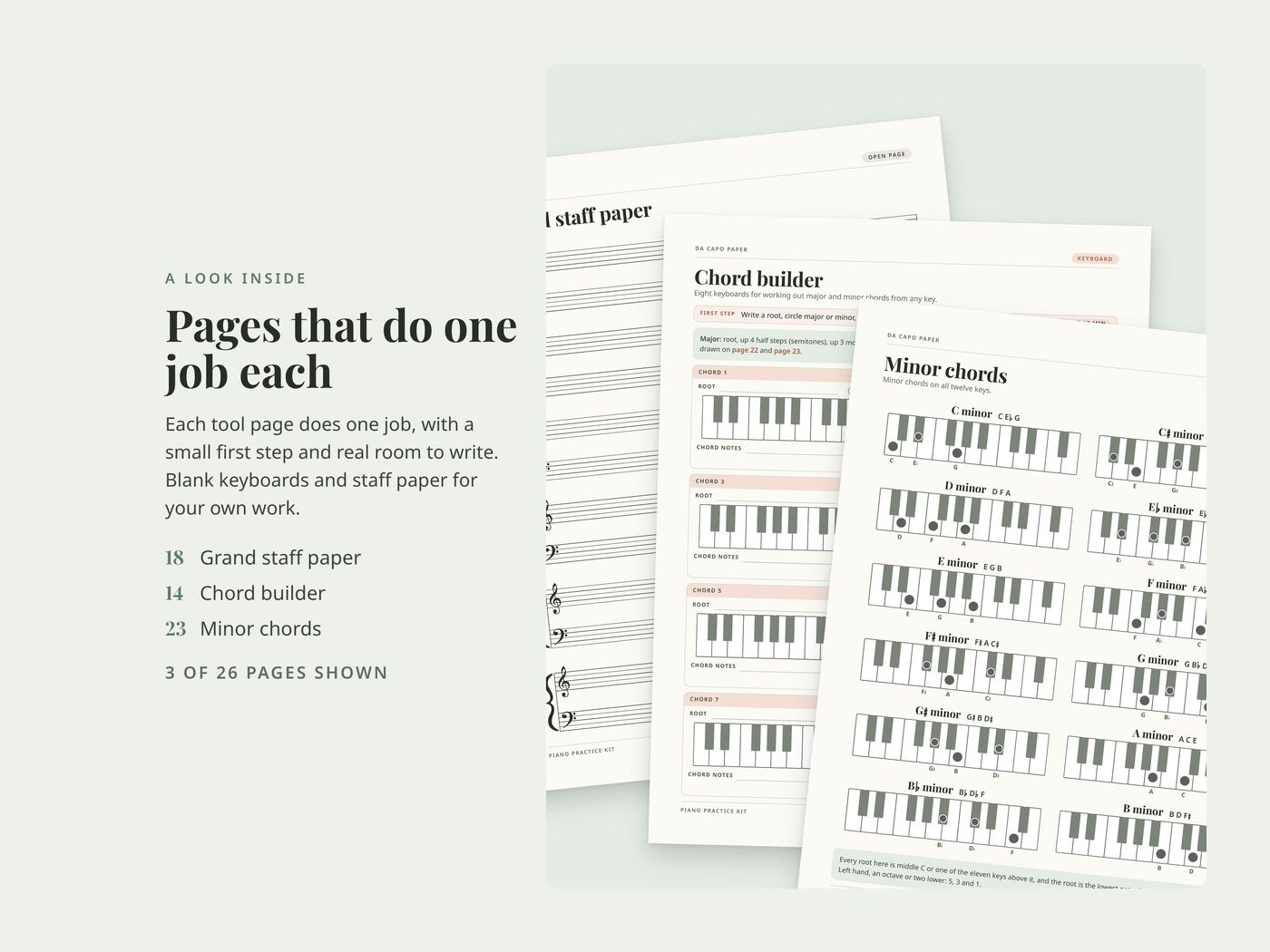
- 14Chord builder eight keyboards for working out major and minor chords
- 15Staff to keys copy notes onto the staff, then find them on the keys
Open pages
- 16Keyboards
- 17Progressions
- 18Grand staff paper
- 19Lead sheet paper
- 20Chord chart
- 21Dot grid
Reference
- 22Major chords all twelve, drawn on the keys
- 23Minor chords all twelve, drawn on the keys
- 24Notes on the staff from the F below the bass staff to the G above the treble staff
- 25Chords in each key the seven chords in every major key, and five progressions that use them
- 26Printing and help
Works for
Piano or keyboard, any style, with or without sheet music. It suits players from beginner to intermediate.
The filled-in pages in the photos are examples. The pages you download are blank. For personal use.
Questions
How do I download my files?
On Etsy.com in a web browser (computer, phone or tablet), go to You > Purchases and click Download Files. The Etsy app can't download files.
Which file should I print?
US Letter for the US and Canada, A4 for most other countries. Print at 100% or Actual Size, with Fit to Page turned off. Use the Low-Ink version to save ink.
Can I use it on a tablet?
Yes. Import the PDF into Goodnotes, Notability, Xodo, or any app that lets you write on PDFs. Every kit includes a Goodnotes edition with clickable tabs made for tablets.
Can I get a refund?
Digital downloads can't be returned once the files are delivered. If a file won't open or prints wrong, message me and I'll fix it.
Can I share or sell the files?
Personal use only. Reprint pages as often as you want for your own practice, but please don't share, resell, or post the files.
The links don't work in Goodnotes.
Open the Goodnotes edition (its file name ends in Digital-Goodnotes). Tap a tab or page name with your finger. If a tap draws a line, touch and hold the link and choose Open Link, or switch to Read Only. On Android, Windows and the web, switch to Read Only first. Still stuck? Message me on Etsy.
More from Da Capo Paper
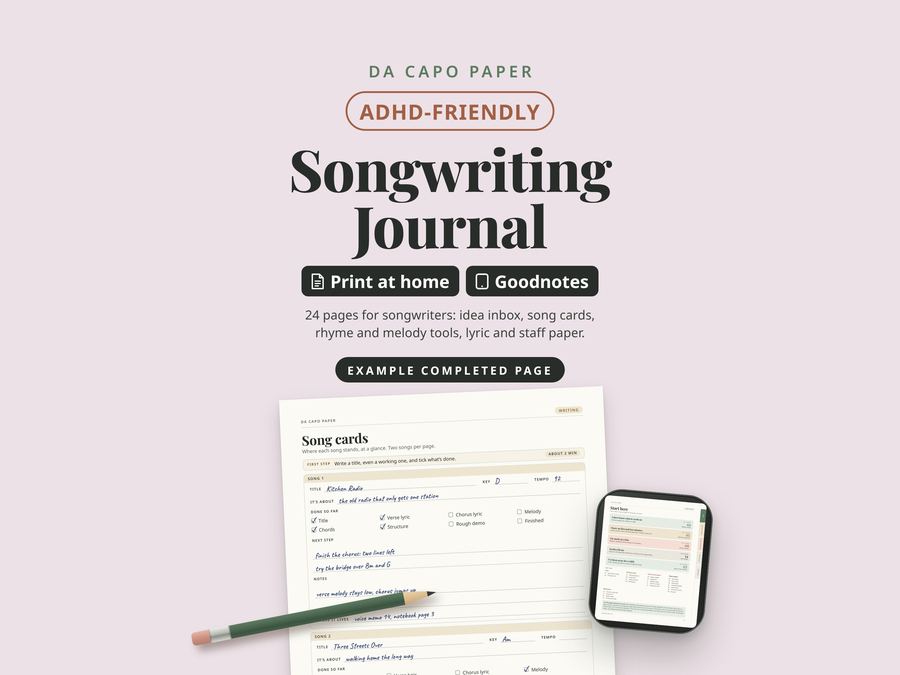
Songwriting Journal
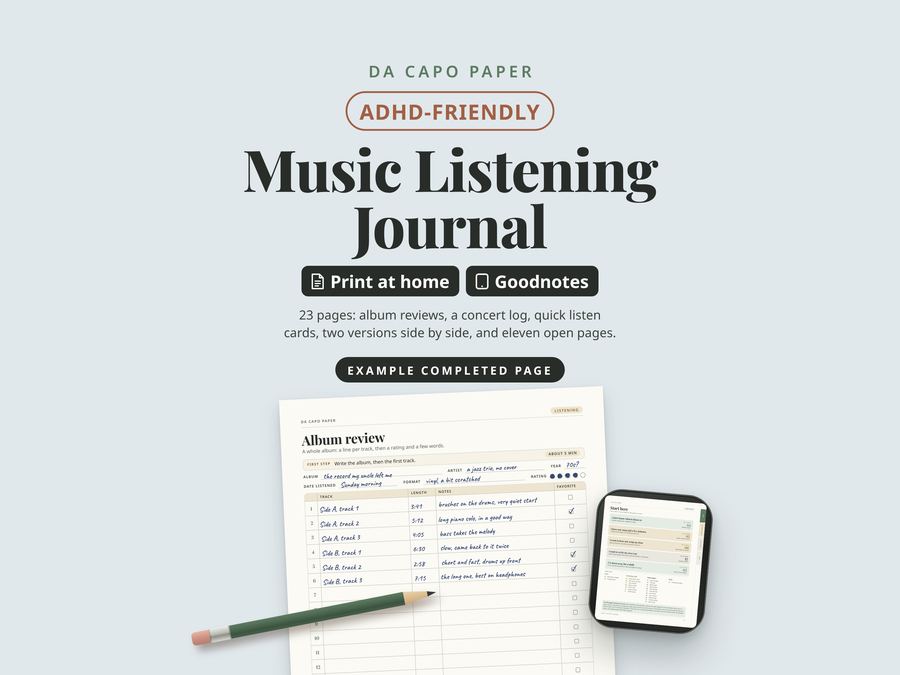
Music Listening Journal
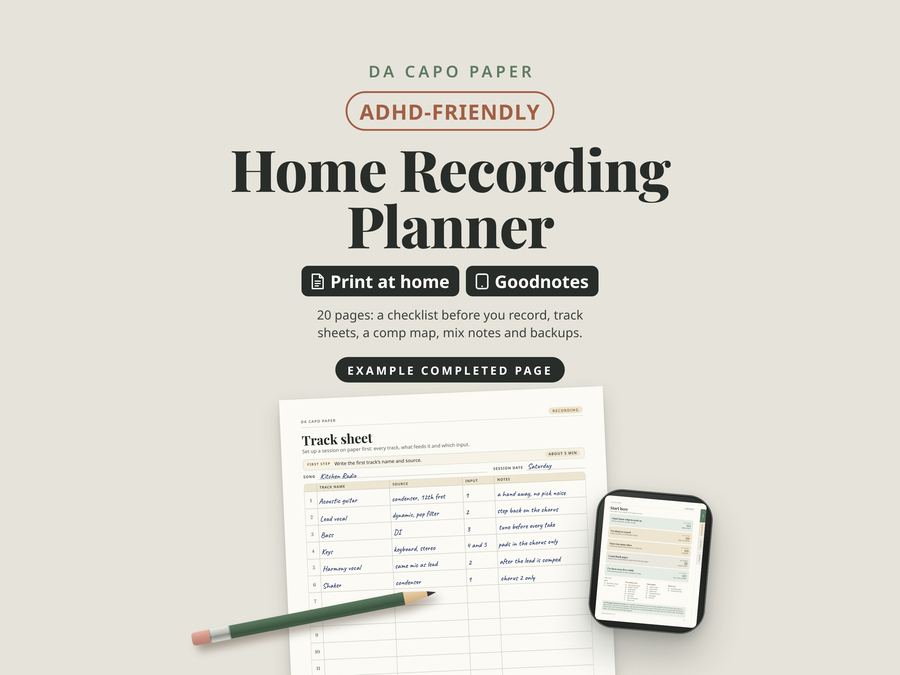
Home Recording Planner